Mosaic Generator
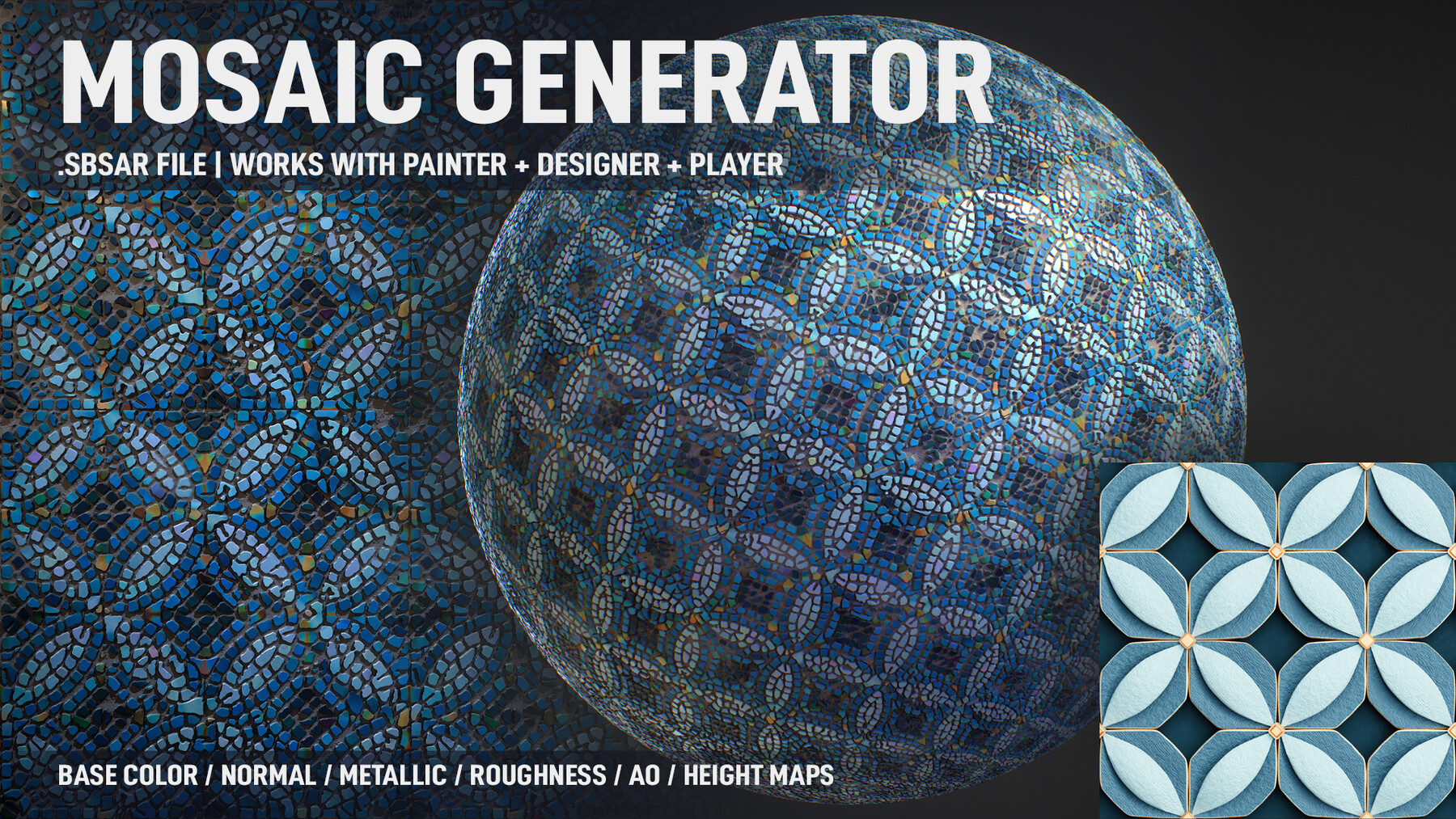
Project Page: https://www.artstation.com/artwork/BX2zK8
How to use video: https://youtu.be/Z-UCVzT_C7M
Product Content:
Mosaic Generator.SBSAR
Product Description:
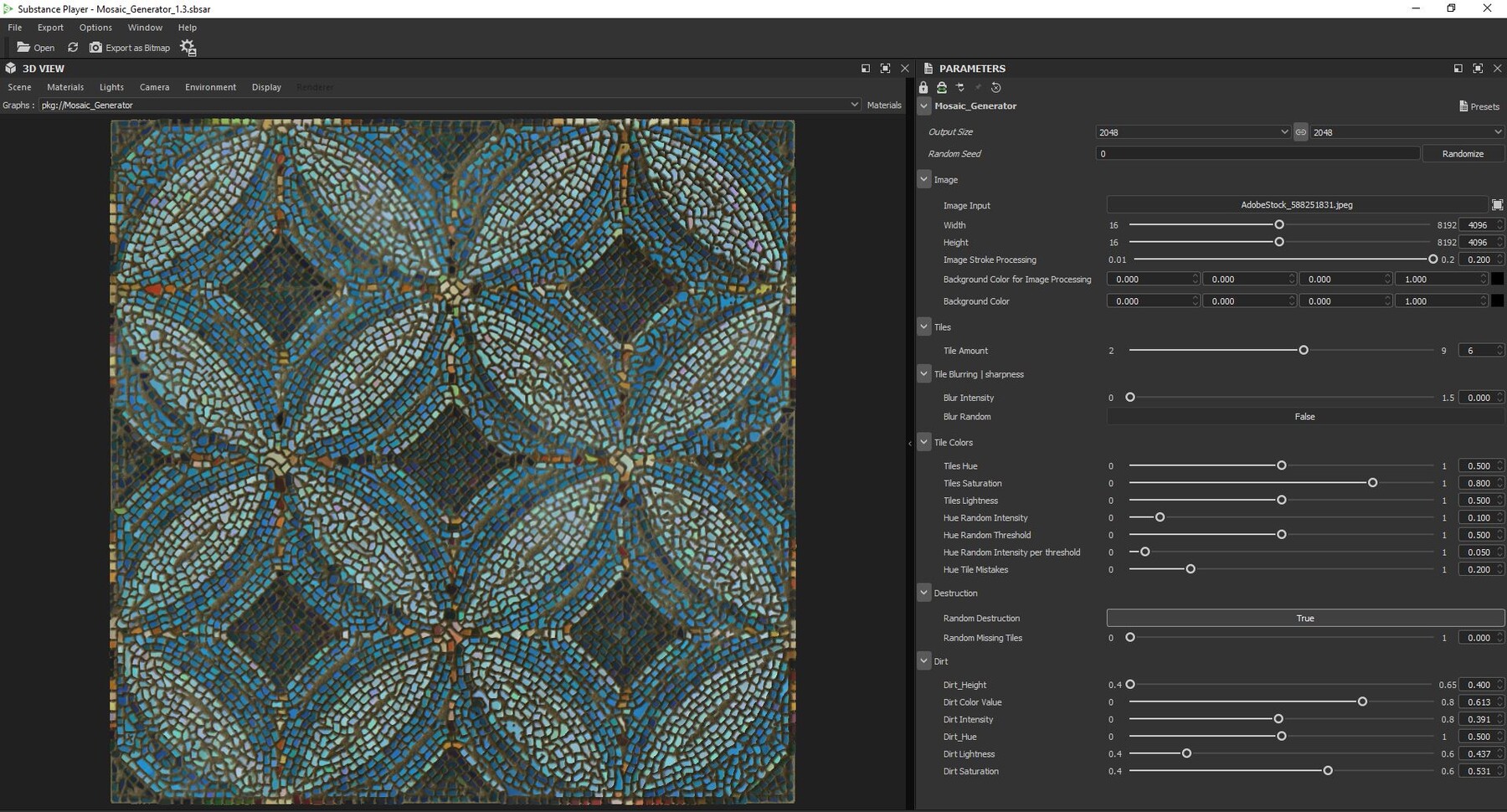
This tool takes any inputted image and generates a mosaic from it. You'll be able to export the Base Color, Normal, Height, Metallic, Roughness and Ambient Occlusion maps from the generated mosaic.
Features:
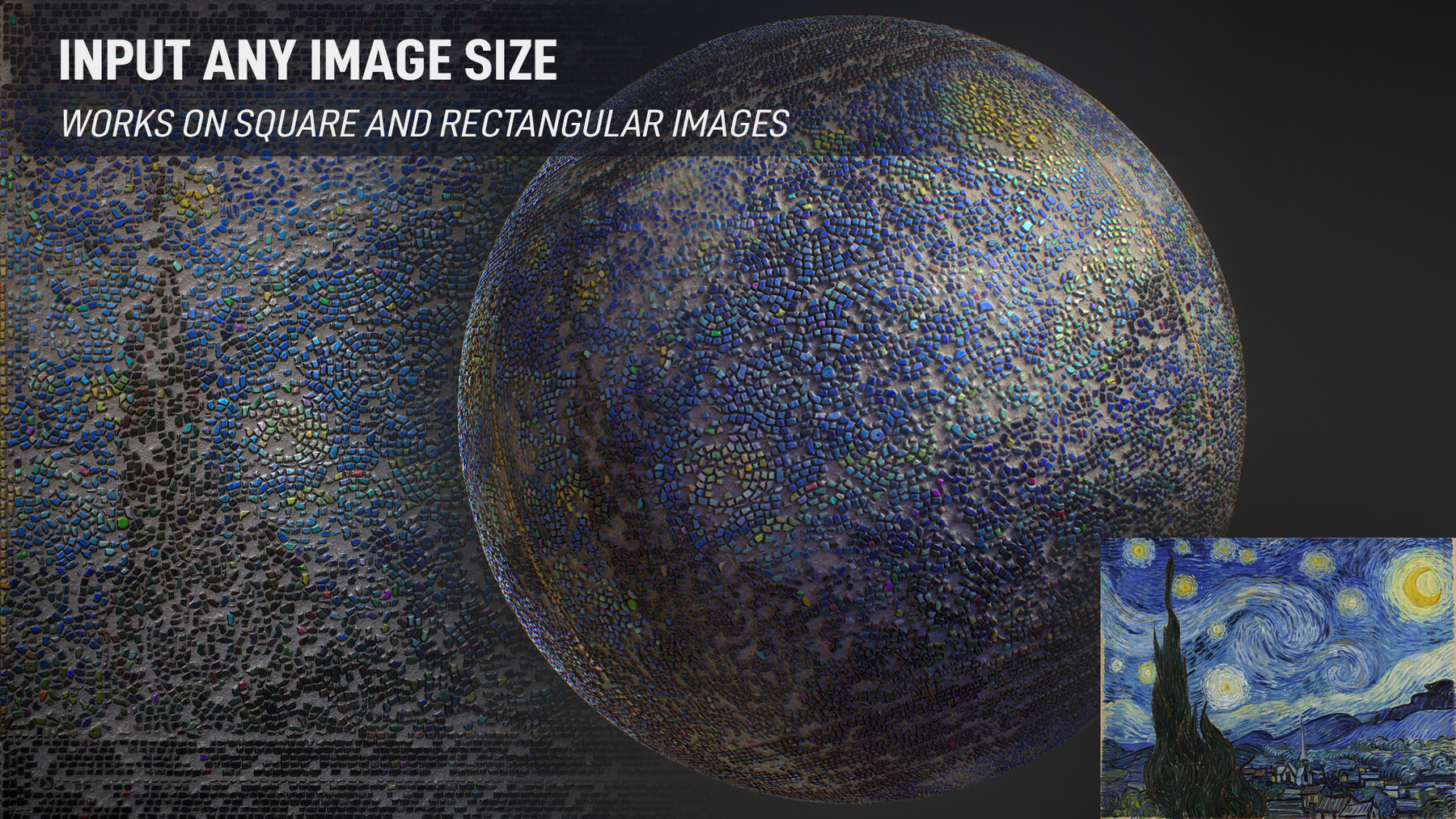
- input ANY image size of the user's choice, not exclusively square images.
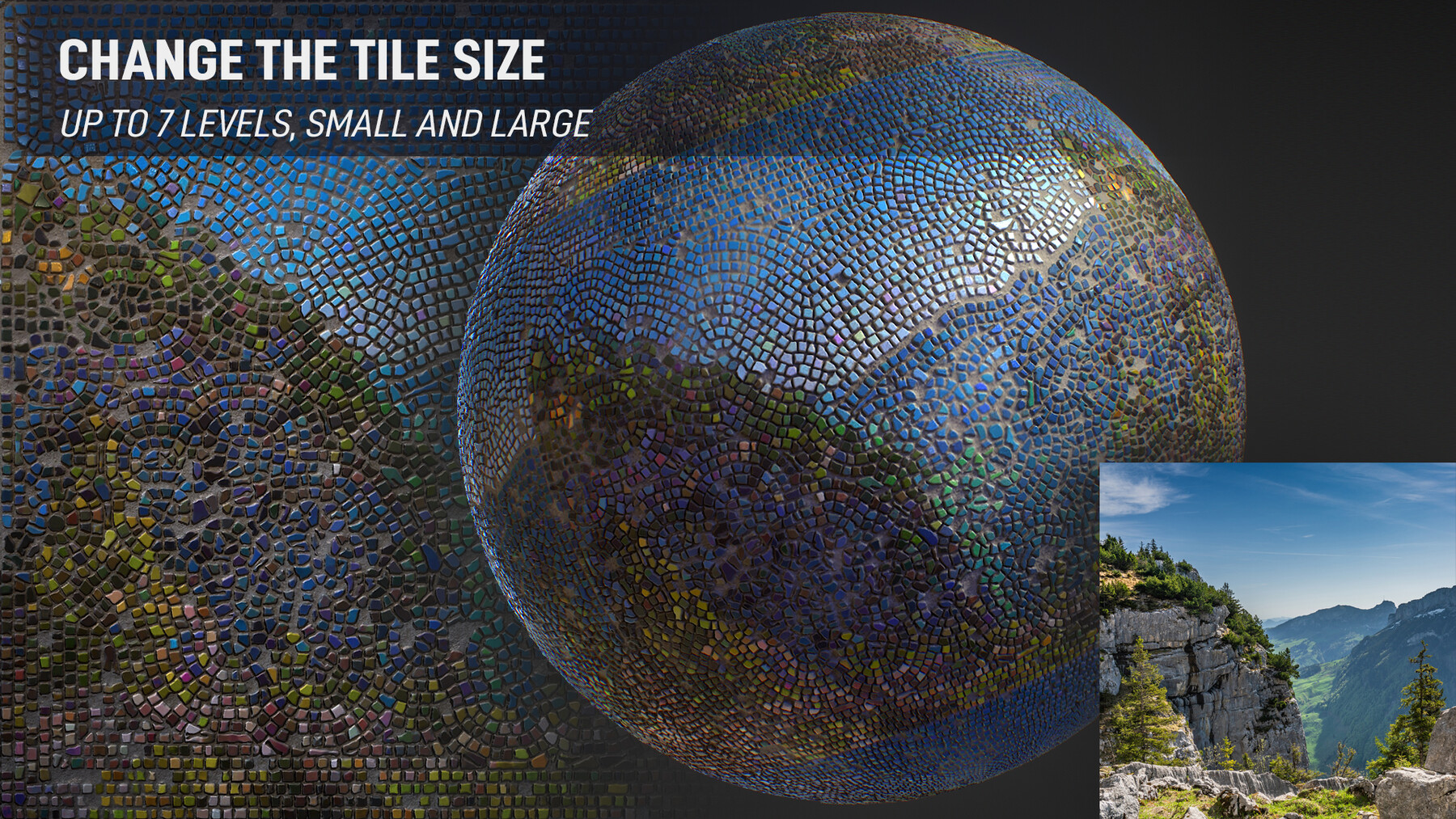
- Change the tiles size, small and large, up to 7 levels of sizes.
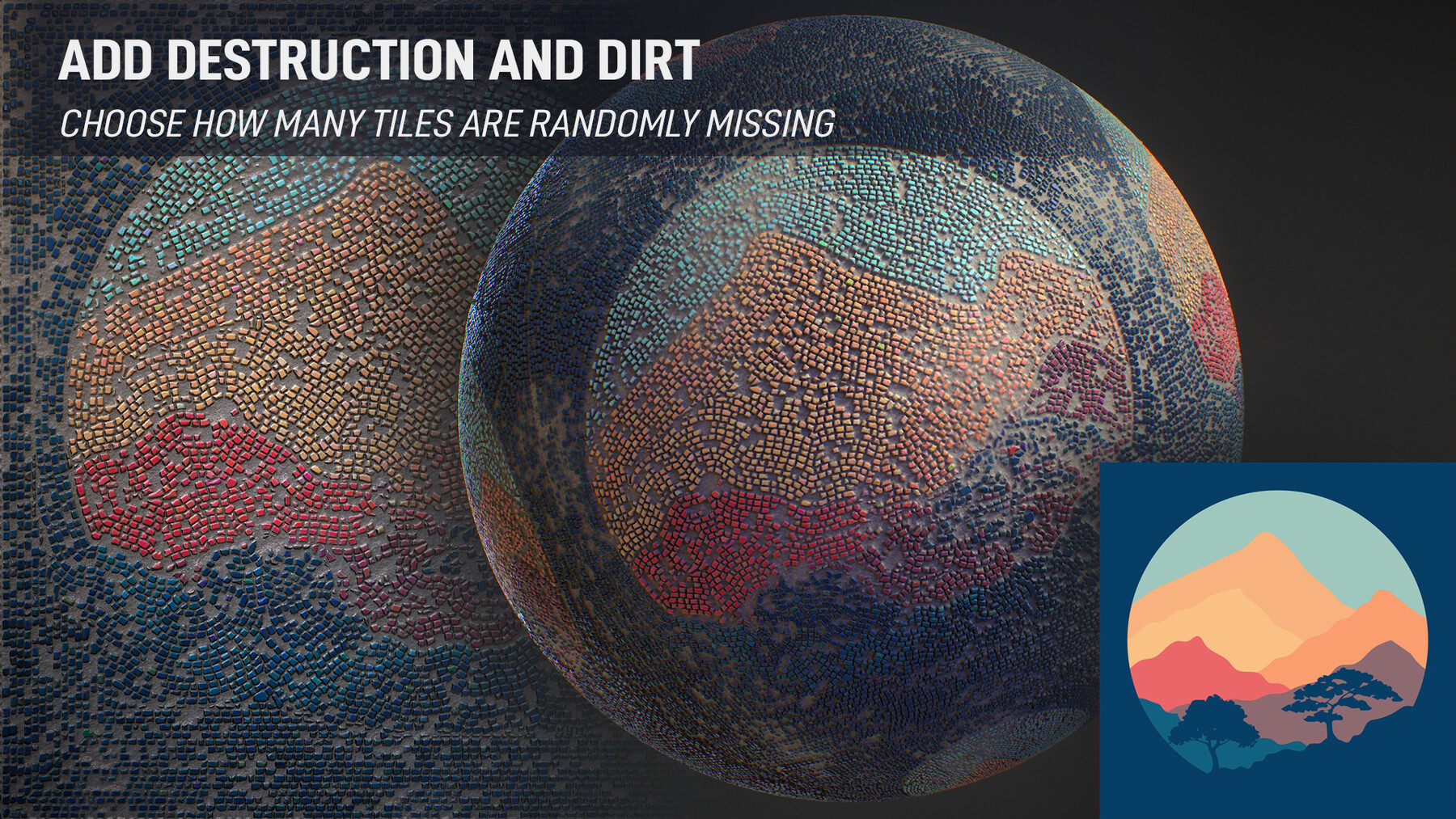
- Chose the amount of tiles removed randomly.
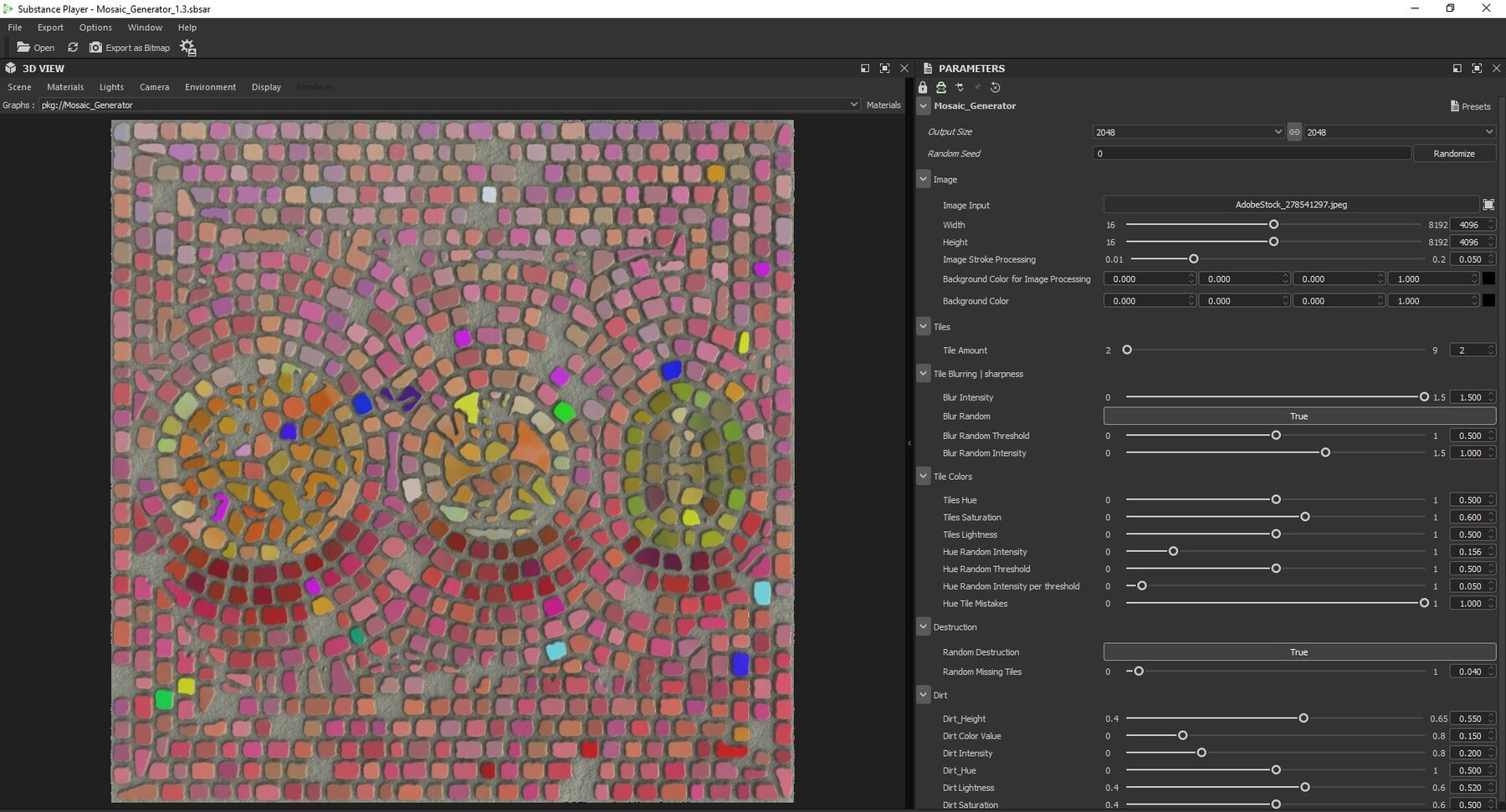
- Change the sharpness and blurriness of all or random tile corners and edges.
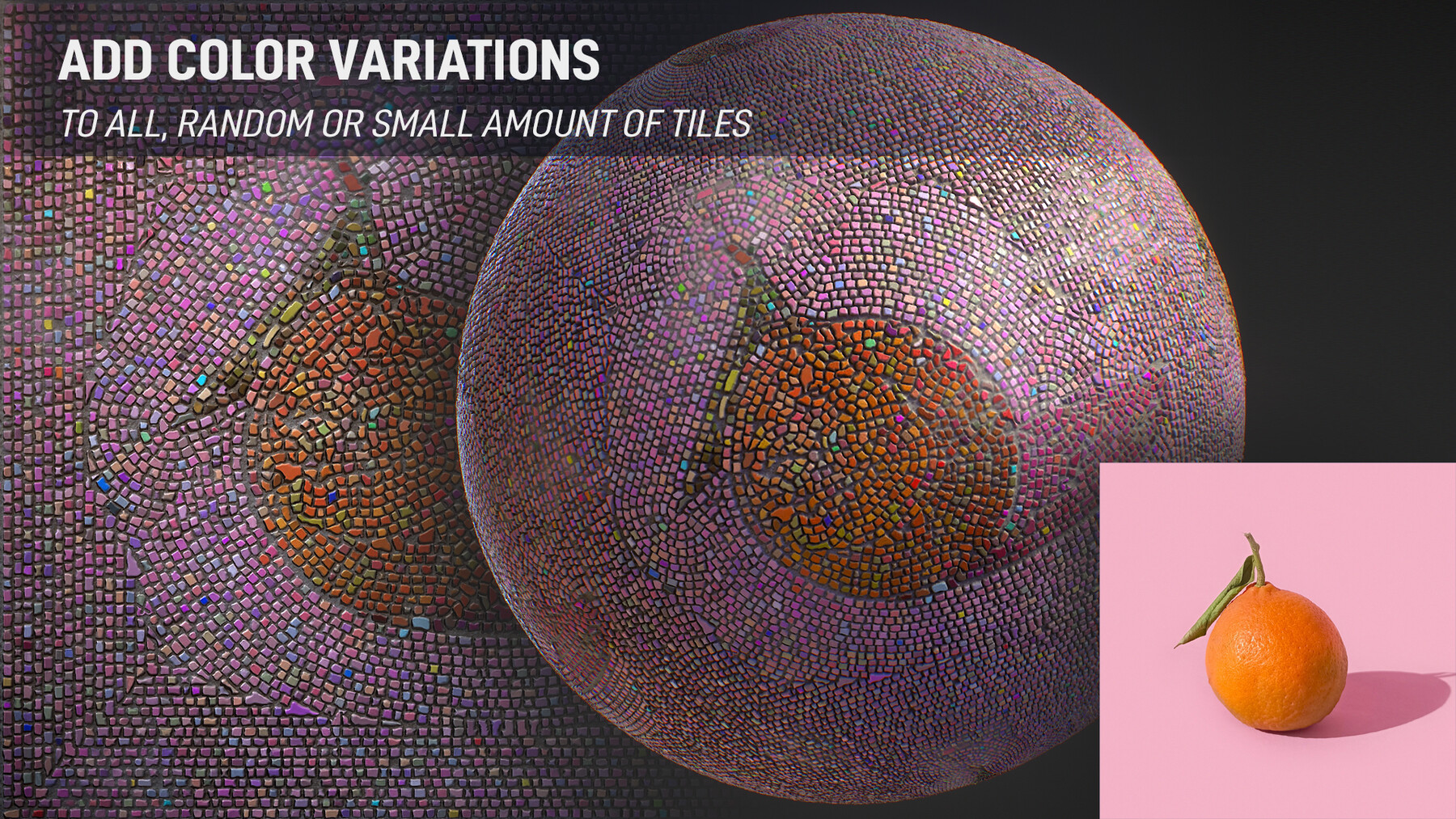
- Edit the color variations of all or random tiles.
- Add a bit of dirt to the overall mosaic.
Usage (see the video):
- Work on an output format of at least 2048x2048 and up to 8192x8192. The generator will not give as good results while using lower outputs.
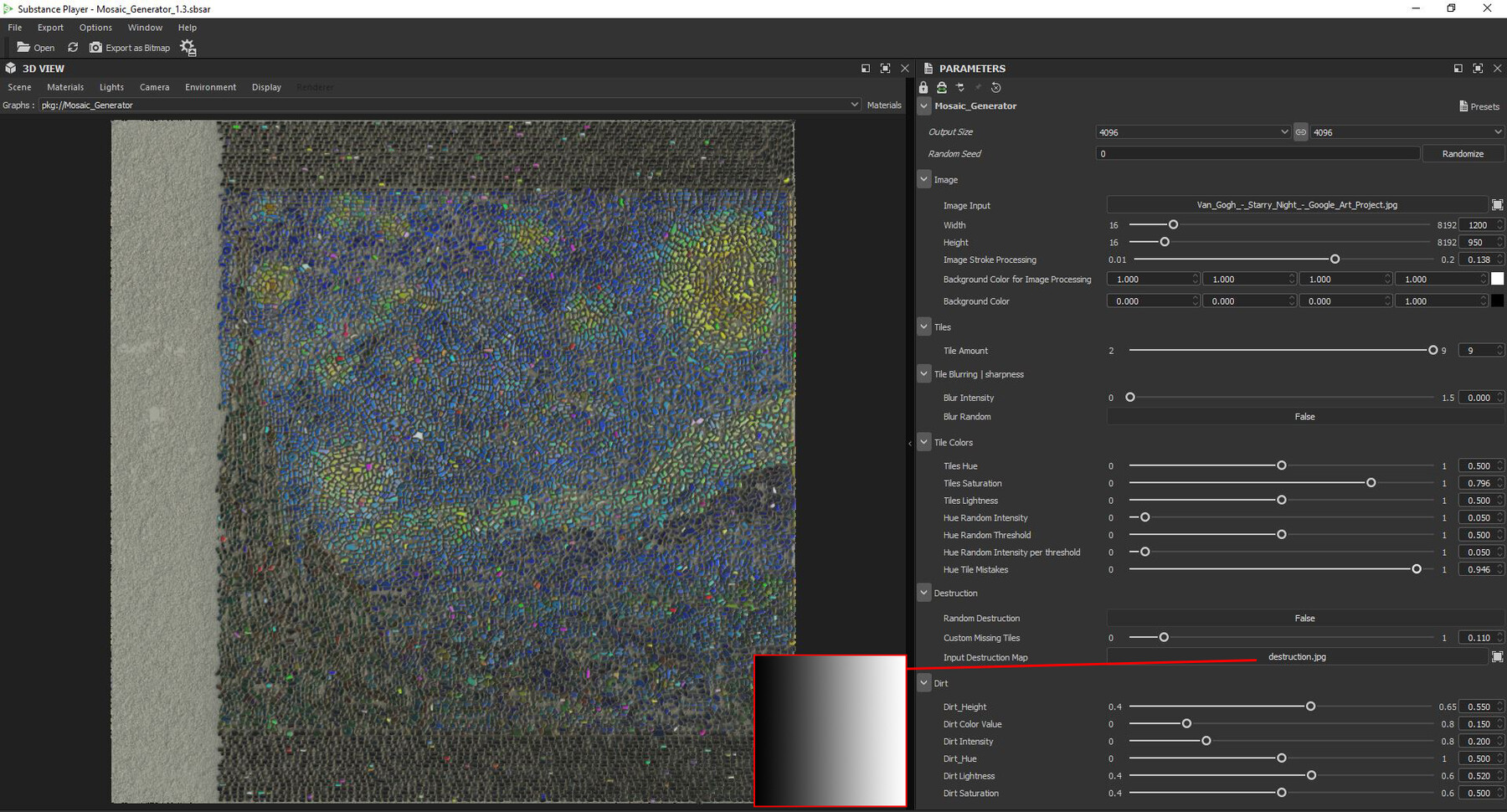
- Users will have to input the image size if it isn't a square, so the generator works accordingly.
Software Usage:
- Substance Player: Free. To quickly input and export the maps while using all the features, you can simply download the latest version of Substance Player using this link.
- Substance Painter: Minimum version is 9.0.0 (for the path/spline feature to work).
- Substance Designer: Minimum version is 13.0.0 (for the path/spline feature to work).
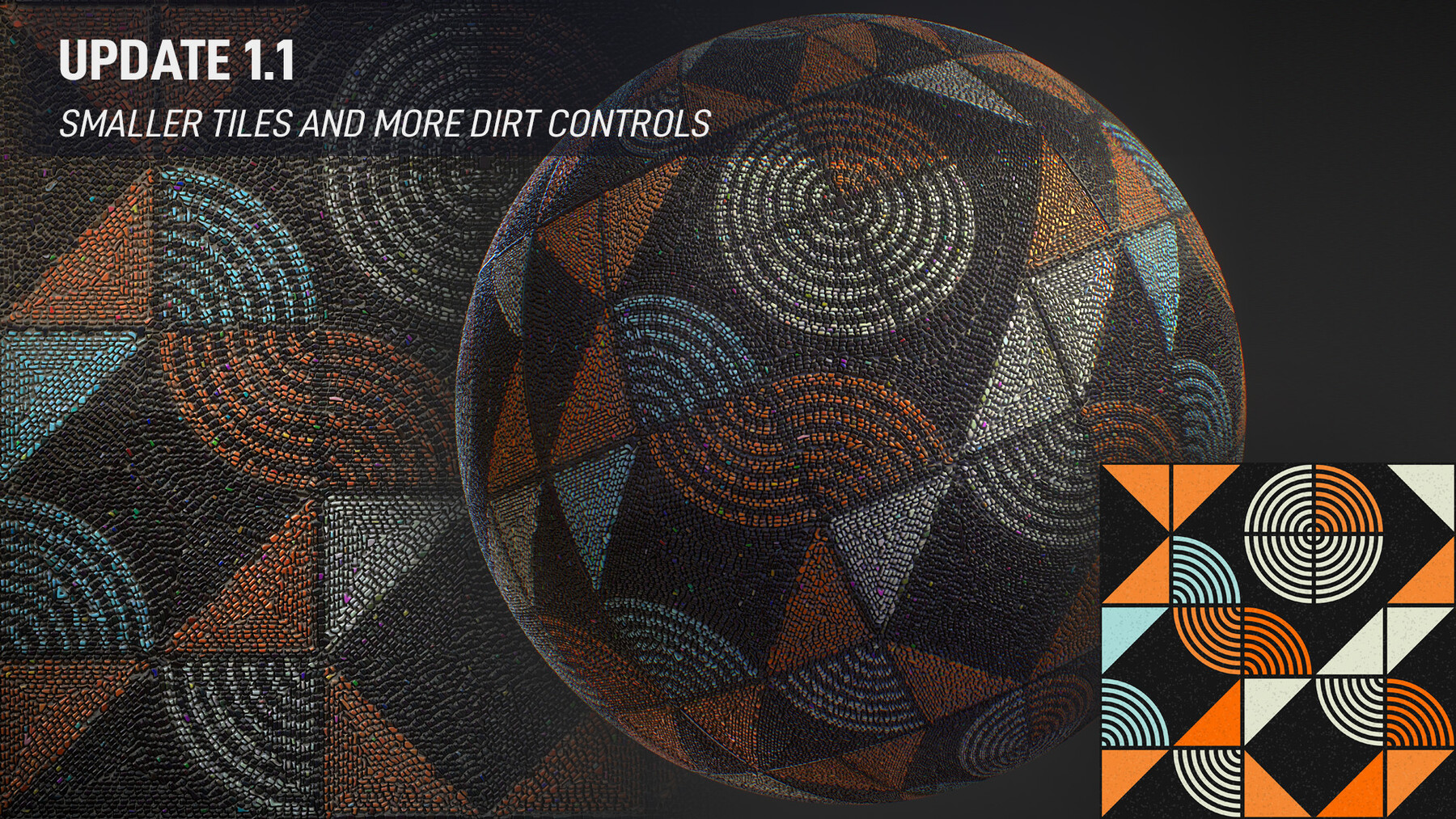
Update 1.1:
- 2 additional smaller tile sizes added. Keep in mind that the smallest level will work best on an output of 4096x4096.
- More dirt controls such as the Hue, Saturation and Lightness, as well as adjusting the height level of the dirt.
Update 1.2:
- Free demo released! You can now test how your images look as a mosaic.
- Features include one medium tile size and an output of 512x512 pixels.
Update 1.3:
- Custom Destruction Map added.
- Small fixes for better results.
Release Notes
- Custom Destruction Map added.
- Small fixes for better results.